
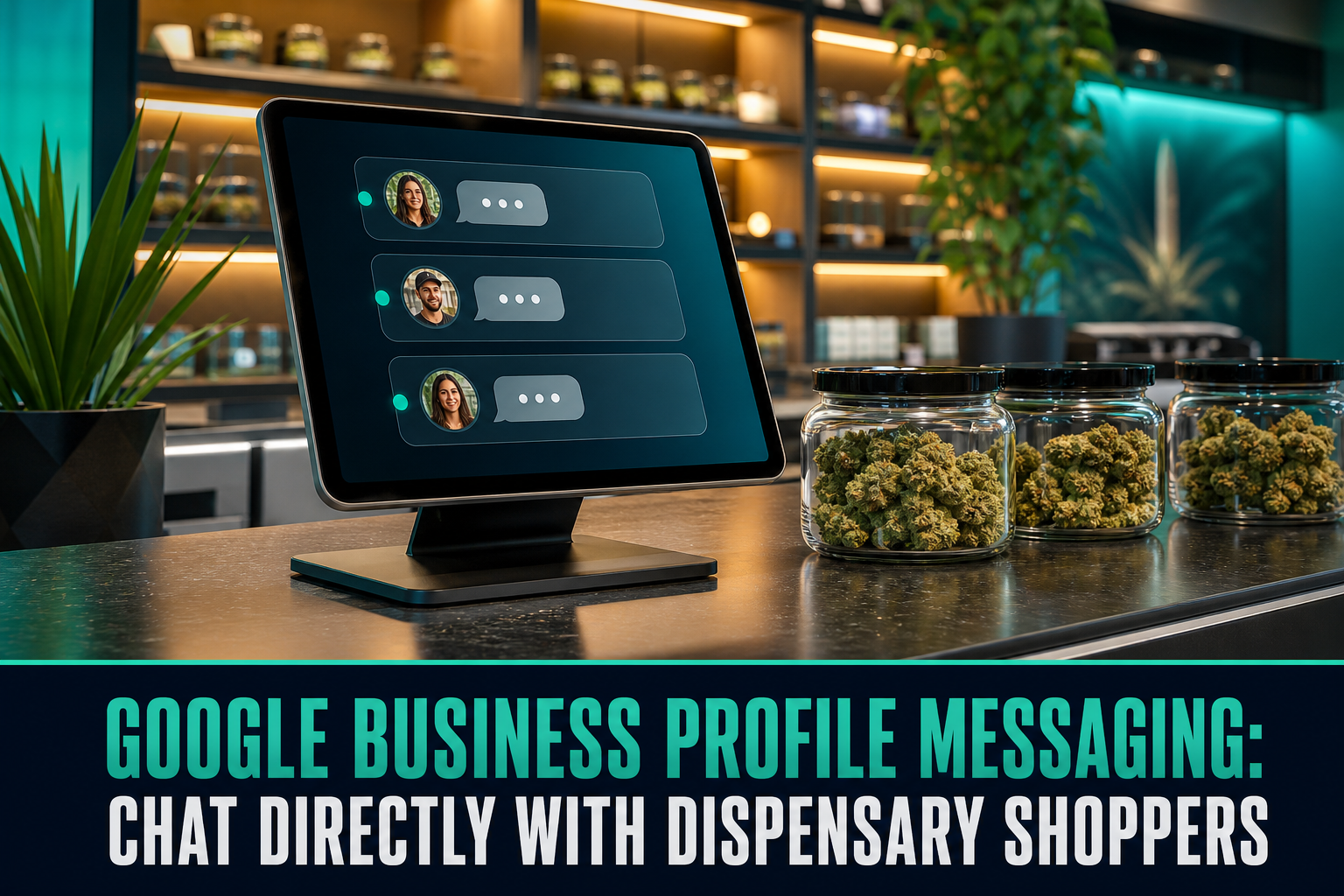
A shopper pulls out their phone, searches “dispensary near me,” and clicks your listing on Google Maps. Instead of calling your busy budtenders or hunting down an online menu, they hit a simple button: “Chat.” Within seconds, they ask if their favorite rosin is in stock. What happens next determines whether they drive to your store or your competitor’s. Mastering Google Business Profile messaging is no longer an optional tactic—it is the quickest route to turning local high-intent searchers into paying dispensary customers.
Customers searching on Google Maps are at the absolute bottom of your sales funnel. They do not want to scroll through third-party directory ads, listen to a phone tree, or submit a static contact form. By leveraging GBP direct messages, your dispensary can capture shoppers during their micro-moments of decision, answering stock questions, providing parking info, and guiding them straight to your storefront register.
Why Google Business Profile Messaging Is a Revenue Driver
Modern consumers despise making phone calls. Dispensary customers—particularly younger demographics, tourists, and medical patients seeking discretion—overwhelmingly favor real-time messaging. When you activate chat on Google Business Profile, your listing displays a prominent “Chat” or “Message” icon alongside “Directions” and “Website.”
This simple button removes massive friction. A prospective buyer wondering if you accept debit cards or carry solventless extracts can ask immediately. If you respond swiftly, you have virtually closed the sale before they leave their couch or hotel room.
Furthermore, Google rewards listings that deliver strong customer interaction. While messaging response time is not explicitly labeled a primary ranking signal, active profiles with high engagement, low bounce rates, and strong click-through traffic frequently outperform dead listings in the local 3-pack.
How to Set Up Dispensary Customer Chat Correctly
Activating dispensary customer chat on your listing takes less than five minutes. You can manage it through Google Search on desktop or directly via the Google Maps mobile app.
Here is how to get started:
- Log into the Google account associated with your dispensary profile.
- Search your dispensary name or navigate to your Business Profile dashboard.
- Click on the Messages icon and toggle the feature on.
- Set your messaging status and custom welcome note under chat settings.
- Assign notification permissions to dependable shift leads or marketing managers.
Once active, you can monitor read receipts, activate away statuses when closed, and review message volume metrics directly inside Google Search.
“A local customer chatting on Google Maps isn’t browsing casually—they’re holding their keys and deciding where to spend cash right now.”
Building High-Converting Automated FAQs and Welcome Messages
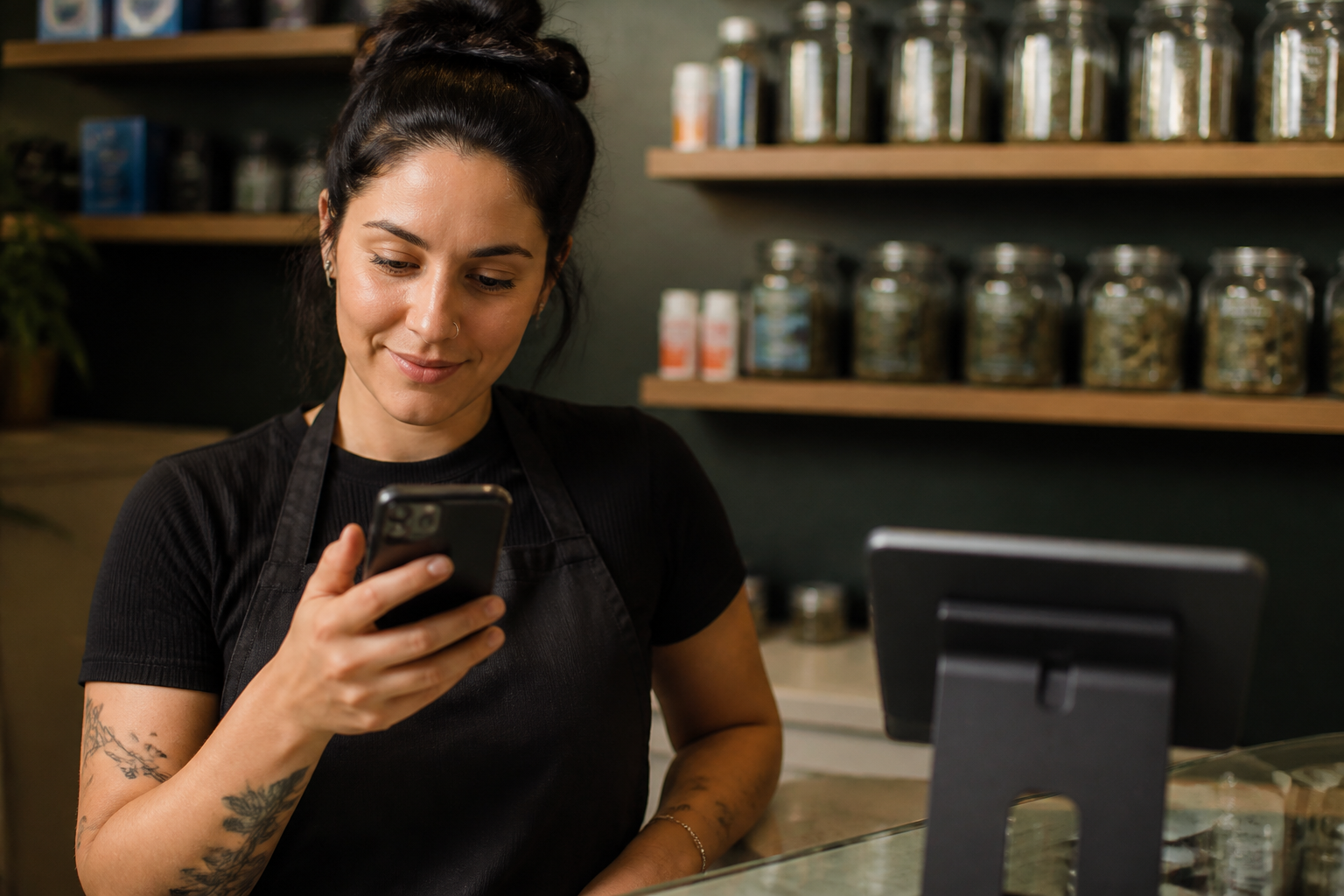
You do not need a budtender glued to an iPad every second of the day. Google Business Profile messaging lets you configure automated FAQs and immediate greeting messages that field standard queries instantly.
When a user taps “Chat,” Google displays quick-tap prompt buttons before they even type. Set these up around your most repeated front-desk questions:
- “Do you accept debit or credit cards?” — Clearly outline your ATM availability, cashless ATM systems, or debit terminal policies.
- “What are your ID requirements?” — Clarify age limits (21+ adult-use vs. 18+ medical with state card) and valid identification formats (passports, driver’s licenses).
- “Where can I find today’s live menu?” — Direct them cleanly toward your verified website menu link for live inventory verification.
- “Is there on-site parking?” — Share parking lot directions, street parking tips, or accessible entrances.
Automating these common questions resolves 60% of incoming customer queries on the spot, freeing your retail staff to assist people physically standing inside your showroom.
Cannabis Compliance and What You Can Say in Google Maps Communication
Operating a dispensary means balancing customer convenience with platform compliance. Google maintains strict policies regarding restricted goods, including cannabis and THC products. While you can communicate locally with consumers, you must protect your profile from suspensions.
Keep your conversations strictly focused on general retail support. Never coordinate direct sales or exchange direct payment information inside GBP direct messages. If someone asks to purchase an ounce of flower over chat, direct them politely to your licensed store or compliant online ordering platform.
Managing Response Times Without Burning Out Your Budtenders
Speed is everything in Google Maps communication. If a user asks a question and hears nothing for twenty minutes, they tap the next dispensary listing on the map. Google also monitors your response times; failing to answer promptly can cause Google to automatically disable messaging on your listing.
To keep response times lightning fast without overwhelming your floor staff:
- Designate an intake lead: Assign messaging duty to the front-desk intake receptionist rather than floor budtenders who are actively consulting customers.
- Use saved templates: Store quick replies for common questions regarding daily discounts, senior or veteran discounts, and pet policies.
- Integrate with your omnichannel inbox: If you use CRM or messaging aggregation tools, sync Google Business Profile messaging via API into your unified customer support dashboard.
- Turn off messaging after hours: Always set your chat status to away when your doors close so unreturned nighttime inquiries do not wreck your platform response score.
Comparing Local Customer Engagement Channels for Retail
Dispensaries have multiple avenues to connect with nearby shoppers. Here is how Google Business Profile messaging stacks up against other typical local communication channels.
| Channel | Purchase Intent | Friction Level | Staff Lift | Best Use Case |
|---|---|---|---|---|
| Google Business Profile Chat | Extremely High | Low (in-app, 1-click) | Low to Medium (FAQ automation) | Capturing walk-in and same-day foot traffic |
| Phone Calls | High | High (customers hate calling) | High (ties up phone lines) | Complex medical patient inquiries |
| Website Contact Form | Medium | High (requires email verification) | Low (delayed replies) | Vendor pitches and wholesale inquiries |
| Third-Party Directories (Weedmaps/Leafly) | High | Medium (requires platform login) | Medium | Product discovery among brand-focused shoppers |
When you combine an optimized Google Business Profile with active direct chat, you close the gap between curious searchers and loyal regulars. Start by turning on chat, setting up your core 4 automated FAQs, and coaching your front desk on quick, professional replies.
Frequently Asked Questions
Does Google penalize dispensaries for slow messaging replies?
Yes. If your dispensary consistently takes longer than 24 hours to answer or leaves chats unanswered, Google may automatically turn off the messaging feature on your profile to protect user experience.
Can customers see budtender personal phone numbers when using GBP chat?
No. Google Business Profile messaging routes conversations entirely within the Google Maps app and the GBP web management interface. Personal phone numbers and employee contact details remain private.
Can dispensaries send marketing promotions over Google chat?
No. GBP messaging is strictly an inbound customer support tool. You cannot initiate outbound mass promotional broadcasts or blast unsolicited discount links through Google Business Profile messaging.
Can multiple employees manage incoming GBP messages?
Yes. Anyone with Manager or Owner access on your Google Business Profile can view and respond to incoming chats using their own Google account through desktop Search or the mobile Google Maps application.