
Let’s be real: you’ve spent countless hours agonizing over your dispensary’s star rating. You’ve replied to reviews, flagged the trolls, and maybe even run a “leave us a review” campaign. But what if chasing stars is the wrong game? What if the real win is building a community right on the platforms they’re already using?
Your customers are on Google and Yelp every day, not just to find your address, but to connect. By shifting from a reactive “review management” mindset to proactive “community engagement,” you can turn passive scrollers into loyal advocates. It’s time to move beyond the star rating and build a dispensary brand that people don’t just buy from, but belong to.
From Reviews to Relationships: The New Mindset
For years, dispensary marketing has been obsessed with reviews. While important, a 5-star rating is a snapshot in time. True, sustainable growth comes from building customer loyalty, and loyalty is built on relationships, not transactions. This is the core of dispensary community engagement.
Think about it: a good review is a compliment. A community is a conversation. It’s the difference between a customer saying, “This place is good,” and “This is *my* place.” That sense of ownership is what turns a one-time buyer into a regular who brings their friends.
Mastering Yelp Community Features for Dispensaries
Yelp is more than a review site; it’s a community hub. The people who use Yelp religiously, the “Yelp Elite,” are looking for connection. They want to be in the know. Here’s how you can tap into that energy.
- The Yelp Q&A Section: This is gold! Monitor and answer questions posted by users. Better yet, proactively seed it yourself by asking and answering common questions your budtenders get every day. “What’s a good sativa for creativity?” or “Do you offer a first-time patient discount?” This shows you’re engaged and helpful.
- User-Generated Photos: Encourage customers to post photos of their haul or the store’s vibe. When they do, comment on them! A simple “Great choice! That’s one of our team’s favorite strains” goes a long way.
- Yelp Events: Are you hosting a pop-up with a vendor, a local artist showcase, or an educational event? Post it on Yelp. This is a powerful, often underutilized tool for driving foot traffic and positioning your shop as a cultural hub.
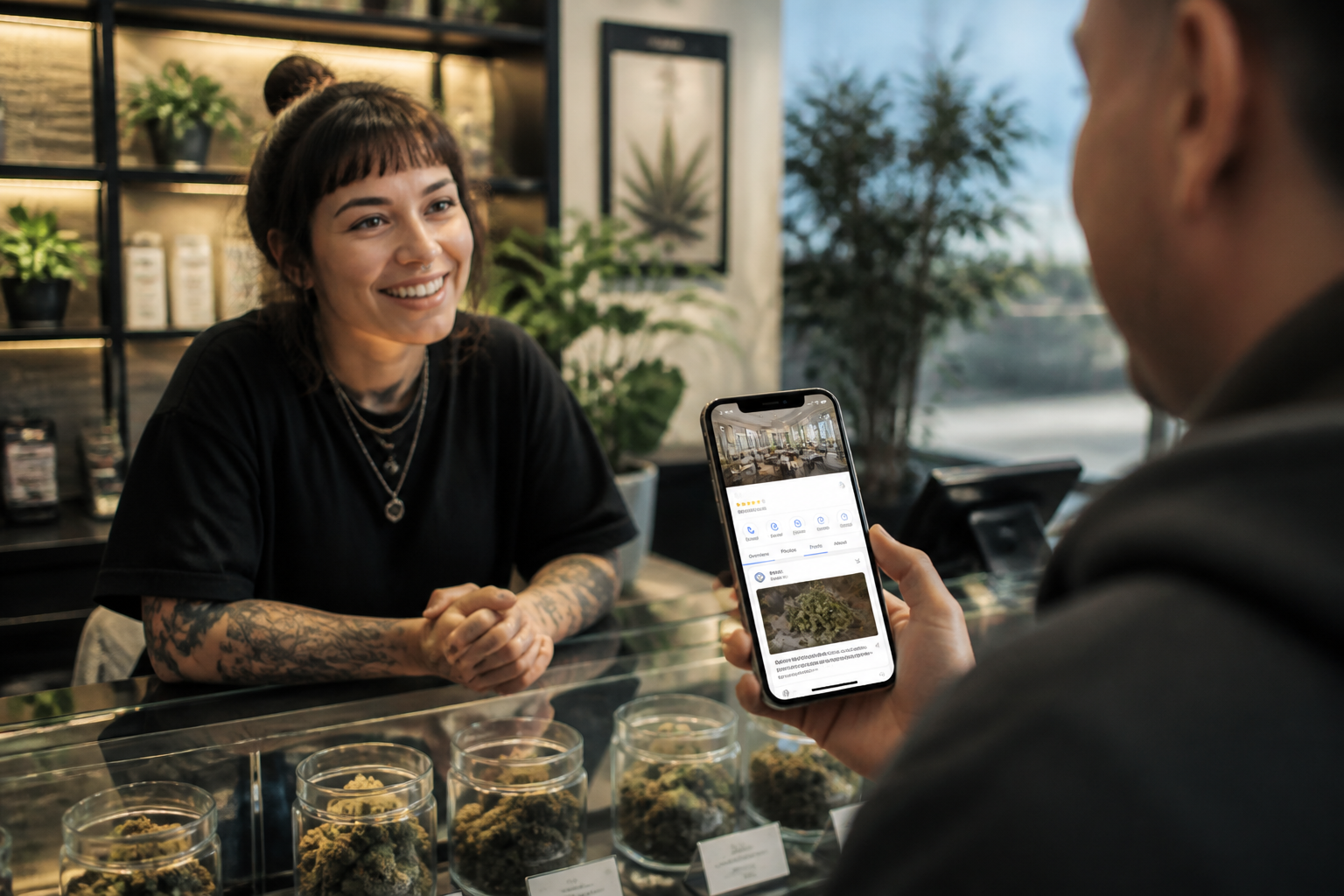
Your Google Posts Strategy: More Than Just Updates
Think of Google Posts as your dispensary’s personal billboard, right on the search results page. When someone Googles your dispensary, these posts appear directly in your Business Profile. Ignoring them is like leaving your storefront windows empty.
“A good review is a compliment. A community is a conversation.”
A winning Google Posts strategy isn’t just about posting your daily deals (though you should do that too!). It’s about showcasing your brand’s personality.
- Brand Building: Introduce your budtenders. Share your dispensary’s origin story. Post a photo of the shop dog. Give people a reason to connect with you beyond the transaction.
- Product Spotlights: Got a fresh drop from a popular cultivator? Don’t just list it on the menu. Create a Post with a great photo and a few sentences about what makes it special—tasting notes, effects, or the grower’s story.
- Educational Content: Briefly explain the difference between THC-A and Delta-9 THC. Share a quick tip on storing flower. This positions you as a trusted expert, not just a retailer.
- Calls to Action (CTAs): Every post should have a goal. Use Google’s built-in buttons like “Learn more,” “Order online,” or “Call now” to guide the user to their next step.
Platform Showdown: Yelp vs. Google Posts
While both are crucial for dispensary brand building, they serve slightly different functions. Understanding the nuances will help you tailor your content and maximize your efforts.
| Feature | Yelp Community | Google Posts |
|---|---|---|
| Primary Goal | Building social proof and dialogue | Broadcasting timely info and brand stories |
| Audience | Active community seekers, foodies, event-goers | High-intent searchers looking for immediate info |
| Content Lifespan | Long-term (Q&As and reviews are evergreen) | Short-term (posts expire after 7 days unless an event) |
| Best For | Answering questions, hosting events, engaging with user photos | New product drops, daily deals, team spotlights, blog links |
Measuring What Matters: Gauging Your Success
How do you know if your dispensary community engagement efforts are working? While it’s not as simple as tracking a coupon code, you can still measure the impact. Both Google Business Profile and Yelp for Business provide analytics dashboards.
On Google, look at the “Performance” tab to see views on your posts, and clicks on your CTAs. Did your post about the new edible brand lead to a spike in “Order online” clicks? That’s a win. On Yelp, track page views, user photo uploads, and interactions with your Q&A section.
But don’t forget the qualitative metrics. Are you getting more positive mentions in reviews? Are budtenders hearing customers say, “I saw your post about this on Google”? That’s the real sign you’re building a community that cares.
Frequently Asked Questions
How often should I be posting on Google Posts?
Aim for consistency over quantity. 2-3 times per week is a great starting point. This keeps your profile fresh and ensures your audience sees new content regularly without feeling spammed.
Can I offer incentives for Yelp reviews?
No. This is a big one. Yelp’s terms of service strictly prohibit soliciting reviews or offering rewards in exchange for them. It can get your page penalized. Instead, focus on providing a great experience and organically encouraging engagement.
What kind of photos work best for Google Posts?
Bright, clear, high-quality images are essential. Lifestyle shots (e.g., your products in a nice setting), team photos, and clean product flats work well. Avoid cluttered images or anything with too much text. Let the photo and the post copy do the talking.